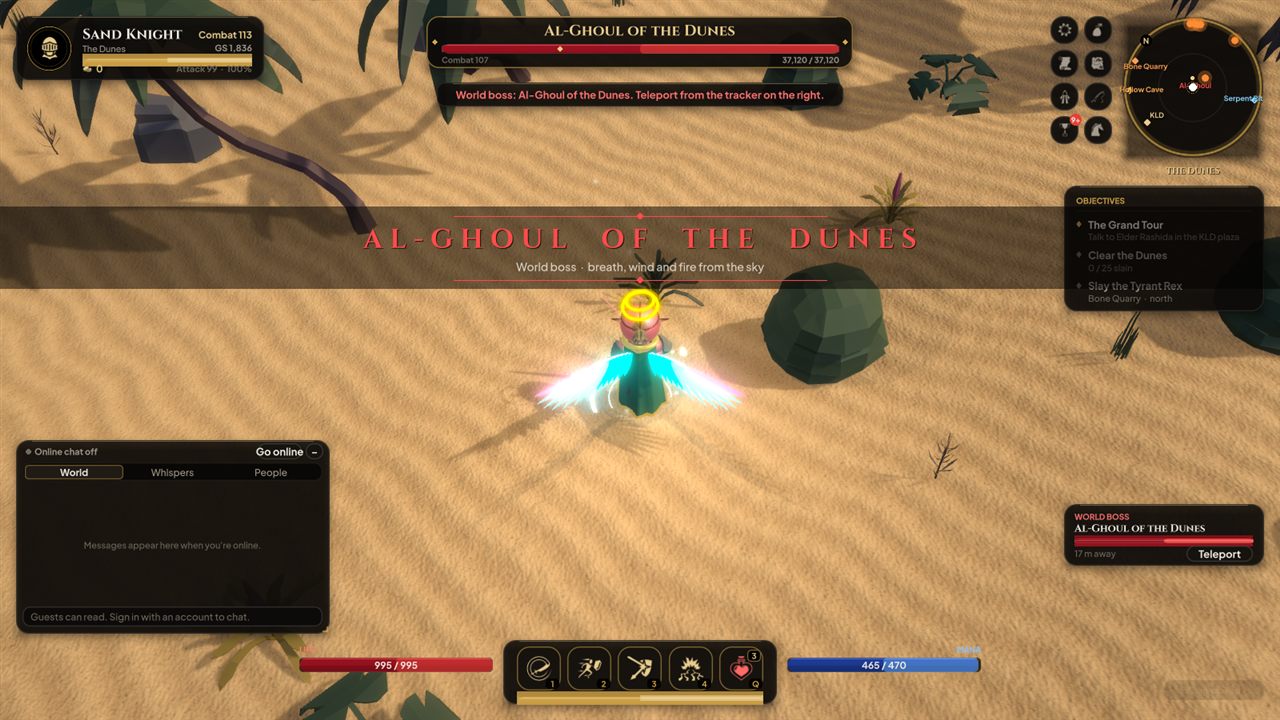
Sand Knight
Melee · defender
A shield of the dunes who heals as he strikes. Built to hold the line.
League of the Deep
Abu Dhabi, seen through an older story. The Deep is stirring beneath KLD tonight.
The world
Realm is an action RPG set in a gamified Abu Dhabi: the Corniche and the Marina, Al Ain, the Hajar mountains, Jebel Jais and the Empty Quarter, each remade as a zone to fight through.
At its heart stands KLD, the plaza where every hero begins: its souq, bank, forge and waystones, and the elders who keep the old Watch. Beneath it lies the Deep, and something down there has woken.
Clear the dunes, ride out to the frontier, challenge world bosses with other players, trade in the souq and party up with friends online.
Choose your school
Each school keeps its own hero and its own progress. Start one, then try the others.
Melee · defender
A shield of the dunes who heals as he strikes. Built to hold the line.
Melee · assassin
Swift and unseen, striking from the shadows and gone before the counter.
Ranged · archer
Archer and falconer. Picks targets apart from range across open sand.
Ranged · spellcaster
Keeper of sand-craft: fire, frost and wind drawn from the dunes, and an oasis to heal.
Gallery
Download
One zip, no installer. Unzip it anywhere and run Realm.exe.
| System | Windows 10 or 11, 64-bit |
|---|---|
| Graphics | DirectX 11 or 12 GPU. Integrated graphics run it on low settings; a GTX 1050 / RX 560 or better is recommended |
| Memory | 4 GB RAM (8 GB recommended) |
| Storage | About 200 MB free |
| Online play | An internet connection. You can also play offline as a guest |
| Controls | Mouse and keyboard |
How to play online
Your account is your name in the Realm. The first person to sign in with a name claims it.
Realm3D.zip › Extract All…, open the folder and double-click Realm.exe. Unzip first: the game won't run from inside the zip.